
AI + Content
Using AI to Make Content Less Overwhelming.
AI should not add another thing to manage. Used correctly, it can make content feel less scattered, less stressful, and easier to keep up with.
By Maverick Beach / June 10, 2026
This guide combines source-backed context with Maverick Beach Creative’s working approach to planning and producing small-business content.
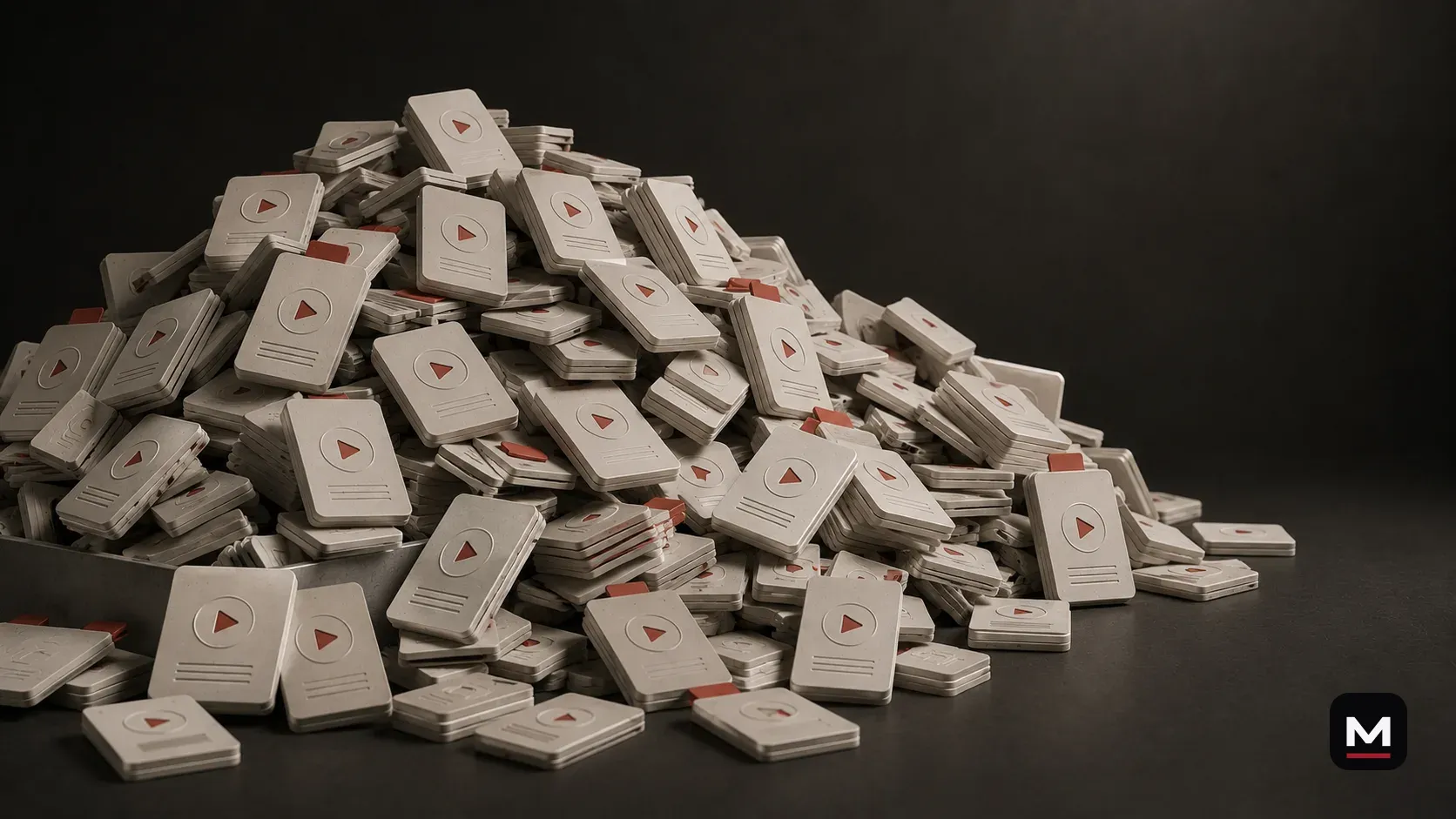
A lot of small businesses do not have a content problem.
They have a content mess.
Ideas are in someone’s notes app. Footage is on three phones. Captions get written five minutes before posting. Good clips get forgotten. Customer questions never turn into videos. Someone says, “We should post more,” but nobody knows what that actually means.
Then AI gets introduced, and instead of making things easier, it becomes one more thing to figure out.
That is the wrong direction.
AI should not add another complicated system to your business. It should make the existing mess easier to deal with.
The point is not to become an AI company. The point is to make day-to-day content less overwhelming.
Content work often stalls because ideas are not organized.
Most small businesses have more content than they think.
They have products, services, people, processes, customer questions, behind-the-scenes moments, before-and-after work, food being made, orders going out, tools being used, customers reacting, problems being solved, and details they explain every day without realizing those explanations are content.
The problem is that none of it is organized.
It is scattered across camera rolls, text threads, old posts, half-finished ideas, and “we should do a video about that” conversations that never become anything.
That is why content feels overwhelming. Not because there is nothing to post. Because there is no simple way to turn what already exists into something useful.
AI can help organize a blank page or scattered notes.
The blank page is where a lot of content dies.
You know you should post. You know you have something to say. But when it is time to write the caption, plan the reel, or decide what to make next, everything feels harder than it should.
AI is good at making the blank page less blank.
It can give you starting points. Not final answers. Starting points.
A small business can use AI to turn a messy thought into post ideas, a rough caption, a simple content calendar, a shot list, a video outline, or customer questions worth answering.
Then a human still decides what fits. That is how AI becomes useful without taking over the brand.
Do not build a system you will not use.
This is where people mess up.
They get excited and build some huge content system with folders, spreadsheets, automations, categories, color codes, templates, trackers, calendars, and fifteen steps nobody is actually going to follow.
That is not a workflow. That is a second job.
If the system needs constant babysitting, it is not reducing the work.
A good content workflow should make the work easier, not make the business feel like it needs a project manager just to post a reel.
If the system is too complicated, it will die.
The best system is usually simple:
- What ideas do we have?
- What footage do we have?
- What needs to be posted soon?
- What can be repurposed?
- What questions do customers keep asking?
- What do we need to capture next?
Start with the content piles.
Most businesses have a few piles of content, even if they do not think of them that way.
There is the footage pile: phone clips, camera footage, drone clips, photos, past shoots, product videos, behind-the-scenes clips, and random things someone captured but never used.
There is the idea pile: post ideas, customer questions, product explanations, launch plans, common objections, seasonal topics, and “we should make a video about that” moments.
There is the caption pile: half-written captions, old posts, hooks, calls to action, and the general voice of the business.
There is the platform pile: Instagram, TikTok, YouTube, Shorts, website content, email, Google Business Profile, and whatever else the business actually uses.
AI can help sort those piles. That is a better starting point than asking it to “make us a content strategy.”
Use AI to organize ideas.
One of the easiest ways to use AI is to dump in a messy list of content ideas and ask it to organize them.
Not write everything. Organize.
A restaurant could group ideas into menu items, behind the scenes, staff, customer questions, events, and shortform video ideas, then identify which ones are easiest to film during normal service.
A shop could do the same with product questions, service explanations, or process videos. An outdoor brand could use product cases, field questions, objections, or seasonal content. A food truck could sort menu items, locations, prep clips, customer questions, and event announcements.
AI is good at sorting a pile. That alone can make content feel less chaotic.
Use AI to turn customer questions into content.
Customer questions are one of the most underrated content sources a business has.
If people keep asking the same thing, that is content.
Those questions can become reels, YouTube segments, captions, website sections, FAQs, email topics, and sales tools.
AI can help turn a list of customer questions into content ideas. But the answers should still come from the business.
The business knows the real answer. AI just helps organize the way it could be explained.
Use AI to organize footage.
AI can also help you think through footage.
It cannot magically know every useful moment inside a folder unless the footage has been reviewed, transcribed, labeled, or described. But once you give it information, it can help organize what that footage could become.
With a long video transcript, AI can pull possible shortform topics. With a shoot summary, it can suggest content categories. With a list of clips, it can group them into reels, website assets, product videos, and future post ideas.
It can also help build a naming system or folder structure so old footage does not keep disappearing.
This is not glamorous. But it matters. A lot of businesses are sitting on usable footage they never post because nobody knows what is in the pile.
Use AI after a shoot.
After a shoot, AI can make the follow-up easier.
A good shoot should not end with a folder full of files and no plan.
If there is a transcript, AI can help identify topics, pull quotes, group ideas, and suggest how the content could be broken into smaller pieces.
A human still needs to decide what is actually good. But AI can make the pile easier to work through.
- possible shortform clips
- caption ideas and hook options
- YouTube description drafts
- blog and FAQ ideas
- post calendar ideas
- email subject lines
- website copy ideas
- future shoot notes
Use AI before a shoot.
AI can help before the camera comes out too.
That does not mean AI should direct the shoot. It means the shoot can start with a better plan.
The better the plan, the easier the edit. The easier the edit, the more useful content you can get from the same amount of work.
- what the main video should be about
- what questions need to be answered
- who should be on camera
- what B-roll should be captured
- what platforms need deliverables
- what shortform clips could come from the shoot
- what captions or hooks might be useful later
- what the business does not want the content to feel like
Use AI to draft captions without sounding fake.
Captions are one of the most obvious places AI can help, but also one of the easiest places to make the brand sound fake.
Do not ask AI for one perfect caption. Ask for options.
Give it the context. Tell it what the video shows, who the post is for, the tone, words to avoid, and whether the caption should be short, direct, funny, educational, local, or product-focused.
AI can get you close. Your taste gets it finished.
- Describe the video.
- Tell AI the point of the post.
- Give it the brand voice.
- Ask for five caption options.
- Tell it what sounds too polished.
- Rewrite the final caption yourself.
Use AI to build a simple post plan.
A content calendar does not need to be complicated.
For a lot of small businesses, a useful plan might include one product or service post, one behind-the-scenes post, one customer-question post, one people or process post, one proof or result post, and one simple story or update.
That is enough direction without turning the business into a media company.
Give AI the business type, current goals, available footage, upcoming work, and relevant platforms. Then ask it for a simple weekly or monthly plan.
Not a giant strategy deck. A useful plan the business can actually keep up with.
Use AI to repurpose longform content.
This is one of the best uses of AI.
If a business has a long video, product demo, interview, podcast, training video, or YouTube upload, AI can help identify the smaller content inside it.
Not every suggestion will be good. But it can speed up the thinking. With a good editor, those suggestions can become useful finished content instead of dying in a transcript.
- strong hooks and topic breaks
- common questions
- shortform segments
- caption angles
- blog and email ideas
- website sections
- follow-up video ideas
Do not use AI to create content without a purpose.
AI can help you create more content. But more content is not always the goal.
The goal is more useful content. There is a difference.
If AI helps a business post more generic junk, it did not help.
If AI helps organize real footage, answer real customer questions, plan better shoots, write clearer captions, and get more value from what already exists, then it helped.
AI should reduce chaos. Not add noise.
Keep the workflow human.
The best AI workflow still has a human at the center.
A person decides what matters, knows the customer, understands how the business should sound, recognizes which footage feels right, and knows when something is technically fine but not worth posting.
AI can help with the middle. It can organize, outline, draft, sort, summarize, and suggest.
But it should not make the final call.
A simple workflow for a small business.
Here is a simple version that would work for a lot of businesses:
- Collect the raw material: footage, customer questions, product details, service explanations, launches, objections, and old posts.
- Use AI to organize it by topic, platform, effort level, and usefulness.
- Choose the posts, videos, captions, and clips that actually support the business.
- Shoot what is missing, edit what exists, and build shortform from longform.
- Use AI for support with captions, hooks, a simple calendar, alternate ideas, and the next round.
How Maverick Beach Creative can help.
Content workflow support starts with an inventory, not another subscription.
Maverick Beach Creative can audit where ideas, footage, approvals, edits, and posting plans currently get stuck, then turn the scattered pile into a simple path the business can actually maintain.
The best workflow is the one people still use after the initial excitement wears off.
- workflow support
- shoot planning
- footage organization
- turning one shoot into multiple posts
- repurposing longform into shortform
- caption and hook systems
- simple content calendars
- raw footage turned into finished videos
- using AI where it saves time without making the brand sound fake
Final take.
The problem is rarely that a small business has nothing worth posting.
The good stuff is buried.
Build one place to collect it, one simple way to sort it, and one realistic path from raw material to finished post.
AI earns its place only when that path gets easier.
How this applies to businesses in Bend and elsewhere.
For small businesses using AI, the useful move is usually small and practical: reduce repetitive work while keeping the real voice, footage, customer context, and final decisions connected to the business.
Based in Bend, Oregon, AI stays in a support role: useful for organization and workflow, not a replacement for voice, footage, judgment, or finished creative.
Related questionsAnswers if you want more context
Do you use AI?
Yes, but not as a replacement for the creative work. AI can help organize ideas, structure plans, draft caption options, summarize notes, and make workflows faster. The final work still depends on real footage, editing, sound, pacing, taste, and human judgment.
What is AI good at for small-business content?
AI is useful for sorting ideas, outlining, summarizing, drafting options, repurposing, and reducing repetitive work. It is strongest when given real context and a narrow job.
Can Maverick help set up an AI-supported content workflow?
Yes. AI workflow support can organize ideas, footage, captions, repurposing, and planning while keeping the system connected to the real business.
Can the audit include workflow or repurposing direction?
Yes. When needed, a paid Content Opportunity Audit can include workflow mapping, repurposing direction, content gap review, or execution planning. That is useful when the problem is not only what to film, but how ideas, footage, review, and reuse keep getting stuck.
Can Maverick Beach Creative work with an existing marketing team?
Yes. Outside support can give an existing team a better shot list, edit, content direction, audit, repurposing plan, or workflow without replacing the people already doing the work.
Sources4 references used for context
This guide combines source-backed context with Maverick Beach Creative’s working approach to planning and producing small-business content.
- How Work About Work Gets in the Way of Real Work — AsanaSupports the point that fragmented tools, information, and process overhead make useful work harder to complete.
- AI at Work Is Here. Now Comes the Hard Part — Microsoft WorkLabProvides context on workplace AI adoption and the need to use it intentionally.
- U.S. Workers Are More Worried Than Hopeful About Future AI Use in the Workplace — Pew Research CenterProvides context on worker concerns and experiences with AI tools.
- Prompt Engineering for AI Guide — Google CloudSupports the guidance on giving AI useful context and clear, focused tasks.
Related Next Steps