
AI + Content
How AI Can Help You Plan Better Video Content.
AI should not direct the shoot for you. It should help organize the messy thinking before the shoot so the footage, edit, and final deliverables have a stronger plan.
By Maverick Beach / June 10, 2026
This guide combines source-backed context with Maverick Beach Creative’s working approach to planning and producing small-business content.
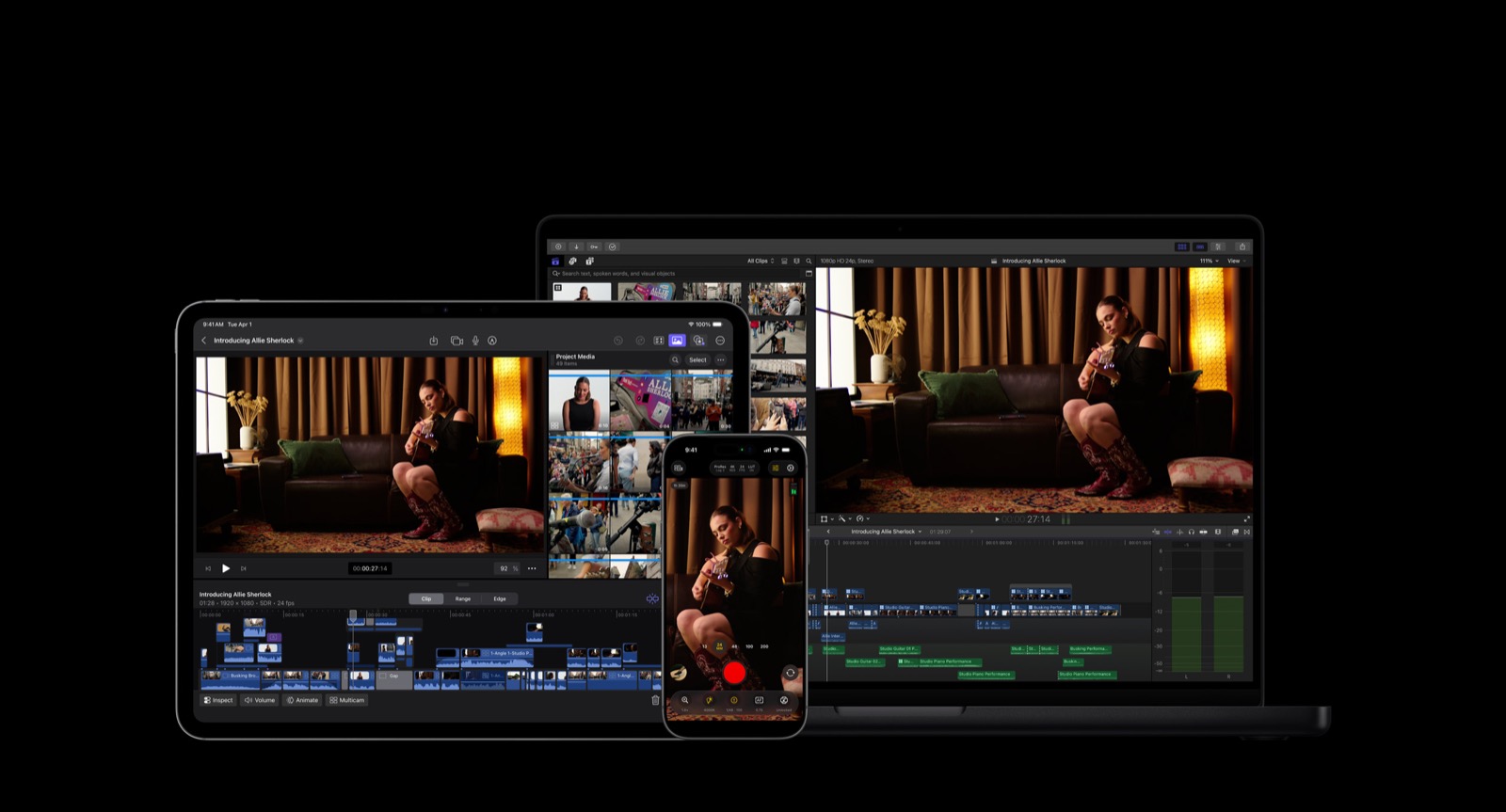
AI should not direct the shoot for you.
That is not the point.
The point is to use AI before the shoot to organize the messy thinking that usually gets skipped.
Most bad business content does not fail because the camera was not expensive enough. It fails because nobody knew what they were trying to make before they started shooting.
They knew they needed “content.” They knew they needed “a video.” They knew they should probably post more.
But they did not know what the video needed to do, what questions it needed to answer, who needed to be on camera, what B-roll mattered, what deliverables were needed, or how the footage would be used after the shoot.
That is where AI can help. Not as the creative director. As a planning tool.
Planning before the shoot reduces missed footage and wasted time.
A good shoot should not start with someone saying, “Just get some content.”
That is how you end up with a folder full of random clips that technically look fine but do not say anything.
A shoot without a plan is just expensive randomness.
The better question is: “What does this footage need to become?”
That question changes everything.
Longform needs structure, talking points, explanations, B-roll, sound, and enough context to carry a story. Shortform needs clear topics, strong moments, useful hooks, and visual variety. Launch content needs the product, problem, use case, reason to care, and next step. Website content needs clean visuals that explain the business quickly.
AI can help organize those needs before the shoot happens. That is valuable.
AI is useful because planning is usually messy.
Planning video content is not always clean.
A business owner might have ideas in their head. A manager might have customer questions. A cook, tech, bartender, guide, builder, or employee might know the best details. Someone else might have old footage. Someone might know what performs well on Instagram. Someone else might care about YouTube. The website might need visuals. A launch might be coming up.
All of that is useful. But if nobody organizes it, it becomes noise.
AI can take the mess and help turn it into a starting point. It can group ideas, identify themes, turn customer questions into talking points, suggest B-roll categories, create a rough shoot outline, and develop caption angles before the shoot.
That does not mean every suggestion is right. It means the shoot starts with more direction.
Do not ask AI to “make a video idea”.
This is where people get bad results.
They ask AI something vague like: “Give this business video ideas.”
AI does not know the business, customer, available footage, launch, platform, or how the owner wants the audience to feel. So it guesses.
And when AI guesses, it usually gives generic ideas.
A useful request explains the business, location, shoot length, desired longform and shortform deliverables, customer questions, priority products or services, desired feeling, and what the content should not sound like.
The difference is context.
AI can help find the actual point of the shoot.
A lot of businesses skip this step. They know they need content, but they do not know the point of the shoot.
AI can help work through that, not by deciding the point for you, but by asking better questions.
Those questions matter more than the camera. Once the point is clear, the shoot has a direction.
- What are we launching?
- What service needs more attention?
- What do customers misunderstand?
- What questions do we answer every week?
- What product needs to be explained visually?
- What should people trust more after watching?
- What makes this business different in real life?
- What does the audience need to see to believe us?
AI can help build talking points without making people memorize lines.
Memorized scripts are usually a poor fit for business content.
Most people get stiff. They start thinking about the line instead of the topic. They sound like they are trying to survive the video instead of explain something they actually know.
That does not mean you should show up with no plan. The better move is a rough outline.
AI can take the goal, customer questions, product details, and business context, then turn them into talking points.
Not a script that someone has to recite. Talking points.
That gives the person on camera a path without making them sound fake. The human still brings the energy, knowledge, personality, and real experience.
AI can help decide who should be on camera.
Not everyone should be the person talking in the video.
The best person on camera is usually the person who knows the topic, cares about it, and can explain it without sounding forced.
AI can help organize the role each person might play, although the final call still comes from the business and the creator.
- the owner for the bigger story
- the person who builds or prepares the product for process details
- the person closest to customers for common questions
- the person with the most knowledge or energy for a specific topic
- the person who can explain something clearly without overcomplicating it
AI can help organize a shot list around the planned video.
A shot list should not just be a list of pretty shots. It should be a list of useful shots.
A useful shot supports the edit. It explains something, gives context, keeps the viewer interested, or shows the product, process, environment, people, details, or result.
AI can help turn the video goal into B-roll categories.
For a restaurant, that might mean prep, plating, pouring, service, the room, hands, heat, texture, staff, and menu details. For a shop, it might mean tools, hands, process, parts, before and after, wide shots, and movement. For an outdoor brand, it might mean product use, conditions, movement, weather, setup, failure points, and real field context.
AI can create the first version. Then a human trims it based on taste, time, access, and what actually matters.
AI can help plan deliverables before the shoot.
Before the shoot happens, AI can help map out what the footage might become.
If you know the deliverables before the shoot, you capture differently. You get more B-roll, record cleaner explanations, leave room for hooks, consider vertical and horizontal framing, and capture details that may matter for smaller clips.
You do not just shoot what looks cool. You shoot what the content needs.
- one longform video
- one trailer
- six shortform clips
- three product videos
- one website hero clip
- stills or thumbnail options
- captions and customer-question clips
- future blog or resource ideas
AI can help turn customer questions into video topics.
Customer questions are one of the best sources of video content.
If customers keep asking something, people probably need help understanding it before they buy, book, visit, trust, or care.
AI can group real customer questions by theme. That list can become a shoot plan, shortform clips, YouTube chapters, captions, blog posts, FAQ sections, and website copy.
The answers still need to come from the business. AI can help organize the questions into useful content.
- beginner questions
- buying questions
- trust questions
- process questions
- product questions
- comparison questions
- mistake questions
- what-to-know-before questions
AI can help plan shortform without making shortform random.
Shortform works better when each clip has one point, question, idea, moment, or takeaway.
If you know the longform topic, AI can help predict which smaller clips might come from it.
You are not planning fifteen disconnected reels. You are planning one stronger shoot that can naturally create smaller clips.
- one clip explaining the problem
- one clip showing the process
- one clip answering a common question
- one clip showing the product in use
- one clip explaining what people misunderstand
- one clip showing a before and after
- one clip introducing the person behind the work
- one clip showing the environment or atmosphere
AI can help avoid wasting shoot time.
Shoot time is expensive. Not always just in money. Sometimes in attention, energy, access, staff time, customer flow, setup time, or disruption.
AI can help identify what needs to be captured, what already exists, what questions matter, what can be skipped, what would be nice but not necessary, and which deliverables should be prioritized.
A restaurant does not need someone blocking service for random shots that will never be used. A shop does not need interruptions for footage that does not help the edit. A product business does not need two hundred beautiful shots that do not explain why the product matters.
A little planning protects the shoot.
AI can help make the shoot feel less stressful.
A good plan makes people calmer.
When people know what is happening, who is talking, what needs to be captured, and what the final content is supposed to become, the shoot feels less random.
That does not mean the shoot becomes stiff. It means people are not surprised.
AI can help build that pre-shoot clarity. The human still keeps it natural.
What AI should not do.
AI should not replace the shoot, the person deciding what matters, or the editor.
It should not tell the business what its brand is without real context. It should not write a full script and force someone to read it like a hostage note. It should not create a shot list so long that nobody can follow it. It should not turn the shoot into homework.
If AI makes the shoot more complicated, it is being used wrong.
The whole point is to make the shoot cleaner, more focused, and more useful.
Human judgment is still needed.
AI can help organize. But a person still needs to judge.
A person needs to know when talking points sound fake, which shots are worth getting, and what is happening in the room that was not in the plan.
A person needs to notice when something better is happening than what was written down.
The plan matters. But so does the ability to throw part of the plan away when the real story shows up.
How Maverick Beach Creative can help.
Pre-production should protect shoot time, not bury the business in paperwork.
Maverick Beach Creative can turn customer questions, launch priorities, existing footage, and desired deliverables into a lean production map: who talks, what gets captured, which B-roll matters, and how the edit will multiply the day.
The camera day stays flexible because the important decisions were made early.
- turning messy ideas into a shoot plan
- organizing customer questions into video topics
- shaping natural interview prompts around real expertise
- creating useful B-roll categories
- planning longform and shortform deliverables
- deciding what footage exists and what needs to be captured
- using AI to support captions, hooks, and content calendars after the shoot
- keeping the final decisions human
Final take.
Use AI to make the plan easier to see.
Then put the plan away long enough to notice what is actually happening.
The best preparation does not control the shoot. It gives the real moments somewhere to go.
How this applies to businesses in Bend and elsewhere.
For small businesses using AI, the useful move is usually small and practical: reduce repetitive work while keeping the real voice, footage, customer context, and final decisions connected to the business.
Based in Bend, Oregon, AI stays in a support role: useful for organization and workflow, not a replacement for voice, footage, judgment, or finished creative.
Related questionsAnswers if you want more context
Do you use AI?
Yes, but not as a replacement for the creative work. AI can help organize ideas, structure plans, draft caption options, summarize notes, and make workflows faster. The final work still depends on real footage, editing, sound, pacing, taste, and human judgment.
What does “AI-supported, not AI-replaced” mean?
It means AI can help with the messy parts around the work: notes, ideas, outlines, captions, planning, and organization. The actual value still comes from real business context, real footage, strong editing, sound, pacing, and taste.
What is AI good at for small-business content?
AI is useful for sorting ideas, outlining, summarizing, drafting options, repurposing, and reducing repetitive work. It is strongest when given real context and a narrow job.
Can Maverick help set up an AI-supported content workflow?
Yes. AI workflow support can organize ideas, footage, captions, repurposing, and planning while keeping the system connected to the real business.
What is a deliverable map?
A deliverable map lists what the shoot needs to become before filming begins. It connects each finished asset to the footage, format, audience, and intended use it requires.
Sources6 references used for context
This guide combines source-backed context with Maverick Beach Creative’s working approach to planning and producing small-business content.
- Prompt Engineering for AI Guide — Google CloudSupports the role of clear instructions, context, and task-specific prompting when using AI tools.
- Best practices for prompt engineering — Google Cloud BlogSupports the importance of specificity, contextual prompts, and examples when asking AI tools for useful outputs.
- State of Video Report: Video Marketing Statistics for 2026 — WistiaSupports the idea that AI is being used across video workflows, including planning and repurposing.
- 2026 State of Video Report — WistiaSupports the broader importance of video workflows, repurposing, and efficient content planning.
- Video Content Creation Strategy, Tips & Tools — YouTube CreatorsSupports the importance of planning content around viewers, topics, and channel strategy.
- Short and long-form video content — Think with GoogleSupports the idea that shortform and longform video can work together instead of being treated as separate strategies.
Related Next Steps