
AI + Content
What AI Is and How Small Businesses Can Use It.
AI is not magic, Google, a person, or your brand. It is a tool that can make the annoying parts of content, marketing, planning, and organization easier if you learn how to use it correctly.
By Maverick Beach / June 10, 2026
This guide combines source-backed context with Maverick Beach Creative’s working approach to planning and producing small-business content.
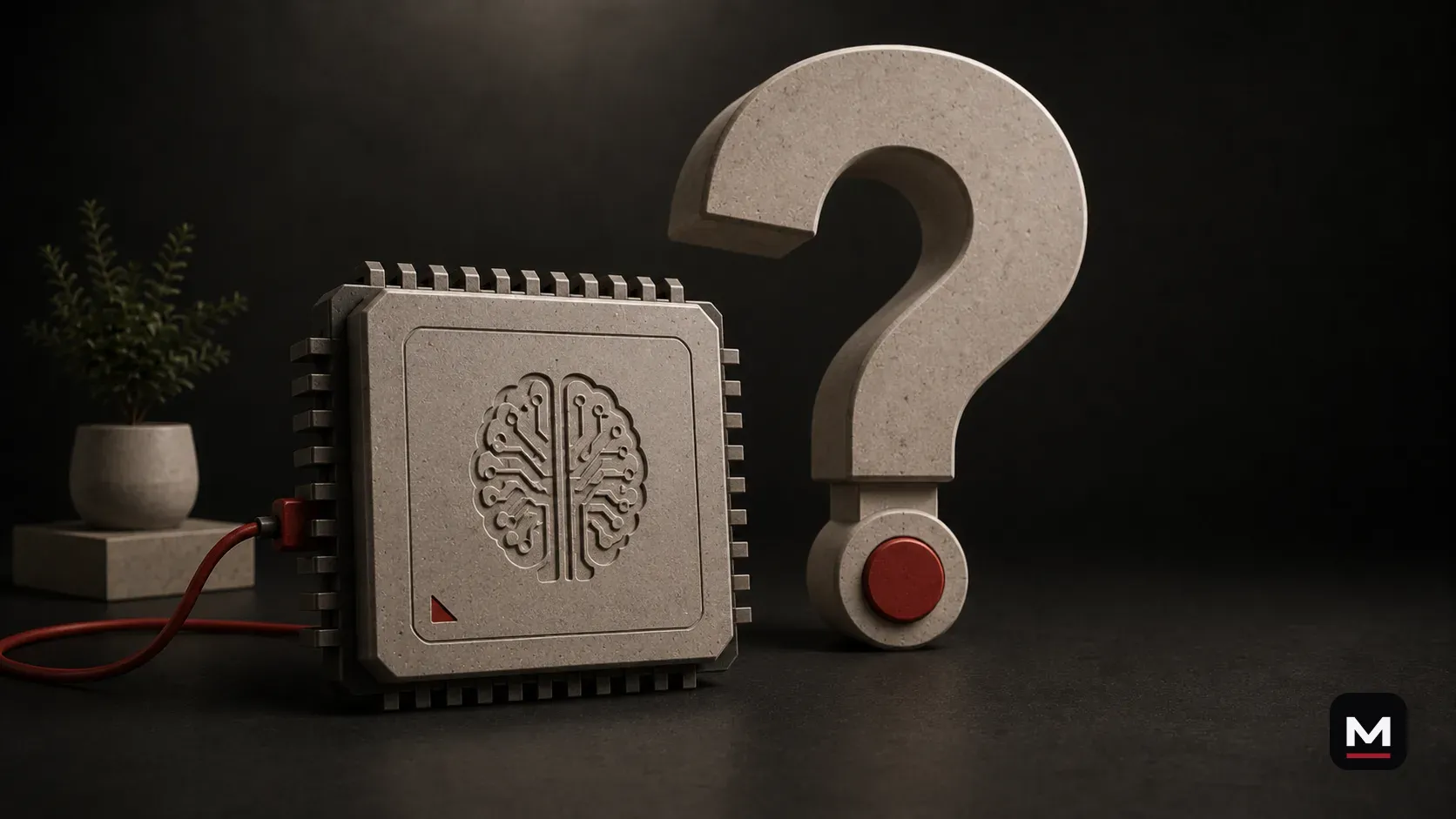
Hopefully you do not need this article.
But if you do, no judgment.
AI is moving fast enough that plenty of normal business owners are quietly hoping nobody asks them to explain it.
Fair.
Here is the least dramatic version: modern AI is software that recognizes patterns and uses those patterns to produce a useful next result.
Sometimes that result is a paragraph. Sometimes it is an image, summary, transcript, plan, prediction, or list.
It is less like a digital person and more like a very fast pattern machine with a conversational interface.
That description is not as exciting as the headlines. It is much more useful.
Different AI tools perform different tasks.
When people say “AI,” they usually talk like it is one giant robot brain.
It is not.
AI is a broad category. It can mean a lot of different tools that do different things.
Some AI tools generate text. Some create images. Some edit photos. Some help with code. Some summarize documents. Some recognize objects. Some generate video. Some transcribe audio. Some organize information. Some power search results, recommendations, customer support, spam filters, maps, and tools people have already been using for years without calling it AI.
The version most small businesses are talking about right now is usually generative AI.
That means AI that can generate something new from a prompt: text, images, ideas, outlines, captions, code, scripts, summaries, graphics, or video.
Tools like ChatGPT, Claude, Gemini, Midjourney, Sora, Firefly, and others all fit somewhere in that general world.
They are not all the same.
But the basic idea is similar: you give the tool input, and it generates output.
The quality of that output depends heavily on the quality of the input.
AI is not Google.
This is the first big misunderstanding.
AI is not just Google with a chat box.
Google is usually used to find information that already exists somewhere.
AI can help find, explain, organize, rewrite, summarize, compare, plan, draft, and generate things based on the context you give it.
That is a completely different type of tool.
If you ask AI one basic question and expect a perfect answer, you are using it at the lowest level.
That is like buying a truck and only using it to sit in the driveway and play the radio.
It can do more.
The better way to think about AI is this:
Search helps you find information.
AI helps you work with information.
That is the part small businesses need to understand.
How a tool like ChatGPT produces responses.
A tool like ChatGPT is built on a large language model.
The plain-English version is this: it has been trained on massive amounts of text and can generate language based on patterns, context, and the instructions you give it.
That does not mean it “knows” things the way a person knows things.
It does not have a childhood. It does not have taste. It does not have your business experience. It does not know what it felt like in the room. It does not know what your customer actually said unless you tell it. It does not know your brand unless you give it enough context.
It predicts and generates useful responses based on patterns.
That can be incredibly powerful.
It can also be incredibly generic.
That is why two people can use the same AI tool and get completely different value from it.
One person types: “Write a caption for this business.”
The other person explains the business, the customer, the footage, the platform, the tone, the goal, the offer, what to avoid, and what the caption needs to accomplish.
Those are not the same request.
So they will not get the same result.
Language models predict likely outputs; they do not understand a business as a person does.
A language model predicts what response is likely to be useful next. It does not experience the meaning behind the words.
That is why it can explain a subject clearly one minute and confidently invent a detail the next.
The fluent answer can make the software feel more certain than it is.
Usefulness and truth are not the same setting. Check important facts.
Four basic jobs AI can do.
Most everyday AI use fits into four jobs: explain, transform, generate, and organize.
Explain means making unfamiliar information easier to understand. Transform means changing format, such as turning notes into an outline. Generate means creating a new first pass. Organize means sorting a messy pile into something usable.
When a task feels confusing, decide which of those four jobs you actually need before opening the tool.
AI is not a wish machine. Give it a job.
- Explain: summarize a technical product page for a new customer.
- Transform: turn a meeting transcript into an action list.
- Generate: produce several rough names or opening lines to react to.
- Organize: group a month of scattered notes by topic and urgency.
AI is bad when you ask it to do the whole job.
This is where AI content gets ugly.
A business owner opens an AI tool, types one sentence, gets a full flyer, caption, event post, graphic, or “marketing campaign,” and publishes it without taste-checking anything.
That is how you get AI slop.
The weird event graphics.
The fake-looking images.
The captions that sound like a LinkedIn robot.
The posts that say “elevate,” “unlock,” “seamless,” “game-changing,” and “in today’s fast-paced world.”
That stuff makes AI look bad.
But the real issue is usually not the tool. It is how the tool was used.
AI is not great at being handed the keys to the whole brand.
It is better when you give it a specific job.
Do not ask it to create your entire content strategy in one shot.
Ask it to organize your customer questions.
Then ask it to turn those questions into video ideas.
Then ask it to group those ideas by platform.
Then ask it to draft captions in your voice.
Then edit the captions yourself.
That is how you get something useful.
Small tasks. Clear context. Human judgment.
A useful prompt explains the task, context, constraints, and desired output.
A useful prompt works more like a work order than a wish.
State the task, provide the necessary material, define the audience, set constraints, and describe what a useful result looks like.
You do not need a secret prompt formula. You need to communicate clearly.
If the first result misses, correct the direction instead of starting a brand-new conversation and hoping for luck.
What to include in a useful request.
Give the tool enough information to complete the task without inventing the important parts.
For a small business, a useful request often includes:
- what your business does
- who your customer is
- what you are selling
- what problem you solve
- what platform the content is for
- what footage you have
- what your brand sounds like
- what your brand does not sound like
- examples of past posts
- common customer questions
- product details
- service details
- location
- audience knowledge level
- words to avoid
- what the final piece needs to do
AI has limits.
AI has limits, even when it sounds confident.
It can be wrong.
It can make things up.
It can misunderstand what matters.
It can lose track of details in long conversations.
It can sound polished while still missing the point.
It can create content that is technically fine but wrong for your business.
This is why you cannot turn your brain off.
AI is a tool, not a manager.
It needs review. It needs direction. It needs correction. It needs a person who knows when the output is useful and when it is garbage.
That is not a weakness.
That is just how the tool works.
What “tokens” and “memory” basically mean.
You do not need to become an AI engineer, but a basic understanding helps.
AI tools process information in chunks. People often call those chunks tokens. A token can be a word, part of a word, or punctuation depending on the system.
The tool also works within a context window. That means it can only actively consider a certain amount of information at once.
So if you dump a giant mess of information into one conversation and expect perfect results forever, do not be surprised when it starts missing details.
Some tools also have memory features, but memory is not the same as perfect understanding. It may remember certain facts, preferences, or context, but you should not assume it knows everything.
For small businesses, the practical takeaway is simple:
Break the work into steps.
Do not ask AI to do everything in one giant prompt.
Give it the context it needs for the task in front of it.
Then review the output.
Is it safe to give AI business information?
This is a fair question.
Some business owners are nervous about giving AI too much information. That is not crazy.
Start with what is already public.
Your website. Your Instagram. Your menu. Your service pages. Your Google Business Profile. Your YouTube channel. Your product descriptions. Your public reviews. Your old captions. Your FAQs.
Ask AI to review what is already public and tell you what it understands.
That can be a good starting point.
You do not need to upload private customer data, financial information, passwords, sensitive documents, or internal business information to get value from AI.
Use judgment.
If you would not want the information floating around outside the business, think carefully before putting it into a tool.
But do not let fear stop you from using AI for basic public-facing content work.
What AI can do for a normal small business.
AI can help a normal small business with very practical things.
A restaurant can use it to plan posts around a menu launch.
A food truck can use it to turn customer questions into content ideas.
A shop can use it to outline a product explainer.
An outdoor brand can use it to plan how to show a product in real use.
A bar can use it to draft event posts that do not sound like a corporate press release.
A local service business can use it to turn common customer questions into short videos.
A product business can use it to organize features, benefits, use cases, objections, and launch angles.
None of that requires AI to become the business.
It just makes the content work easier.
What AI cannot do for your business.
AI cannot care more than you do.
AI cannot replace real footage.
AI cannot know your customer better than you do unless you teach it.
AI cannot walk through your business and notice the sound, rhythm, movement, and details.
AI cannot taste the food.
AI cannot feel the room during service.
AI cannot know which employee is actually good on camera.
AI cannot decide what your business should stand for.
It can help organize, draft, compare, and suggest.
But the real material still has to come from the business.
Use AI to support clearer customer communication, not replace it.
This is the whole point.
AI should not make your business sound less human.
It should help you spend less time on the repetitive stuff so you have more energy for the human stuff.
More time talking to customers.
More time making better products.
More time improving service.
More time capturing real moments.
More time thinking clearly.
More time editing with taste.
More time making content that actually feels like the business.
That is the win.
How Maverick Beach Creative can help.
Learning the tool is easier when it is attached to a real job.
Maverick Beach Creative can help a small business identify a few useful starting tasks, build a simple content workflow around them, and keep the process grounded in the business instead of AI hype.
That can include:
- better shoot planning
- cleaner content workflows
- stronger captions and hooks
- useful repurposing plans
- raw footage turned into finished edits
- content calendars that make sense
- human taste in the final decisions
- less wasted time
Final take.
You do not need to understand every model, feature, or headline to use AI well.
Understand the job. Give clear instructions. Check important facts. Keep sensitive information out unless you understand the tool's policies.
Start with one irritating task you already do every week.
That is a much better introduction to AI than pretending to understand all of it.
How this applies to businesses in Bend and elsewhere.
For small businesses using AI, the useful move is usually small and practical: reduce repetitive work while keeping the real voice, footage, customer context, and final decisions connected to the business.
Based in Bend, Oregon, AI stays in a support role: useful for organization and workflow, not a replacement for voice, footage, judgment, or finished creative.
Related questionsAnswers if you want more context
Do you use AI?
Yes, but not as a replacement for the creative work. AI can help organize ideas, structure plans, draft caption options, summarize notes, and make workflows faster. The final work still depends on real footage, editing, sound, pacing, taste, and human judgment.
What is AI good at for small-business content?
AI is useful for sorting ideas, outlining, summarizing, drafting options, repurposing, and reducing repetitive work. It is strongest when given real context and a narrow job.
What should AI not replace?
AI should not replace real footage, customer context, brand voice, taste, accountability, or the final creative decision.
Can AI help with content without making it sound fake?
Yes, when AI supports organization, drafts, and repetitive work while real business details, voice, footage, judgment, and final decisions stay human.
Sources5 references used for context
This guide combines source-backed context with Maverick Beach Creative’s working approach to planning and producing small-business content.
- What is Generative AI? — IBMProvides a plain-English foundation for understanding generative AI and the kinds of output it can create.
- What are AI Hallucinations? — IBMSupports the explanation that AI can produce confident-sounding but incorrect information.
- Workers’ Exposure to AI — Pew Research CenterProvides context on how AI is affecting everyday work.
- Prompt Engineering for AI Guide — Google CloudSupports the guidance on giving AI useful context, examples, constraints, and direction.
- AI Risk Management Framework — NISTProvides a framework for using AI with appropriate review, judgment, and risk awareness.
Related Next Steps