
Editing Smarter
What Makes a Video Feel Finished?
A finished video is not just clean footage on a timeline. It has a point, a shape, intentional pacing, clear sound, and nothing left in by accident.
By Maverick Beach / June 10, 2026
This guide combines source-backed context with Maverick Beach Creative’s working approach to planning and producing small-business content.
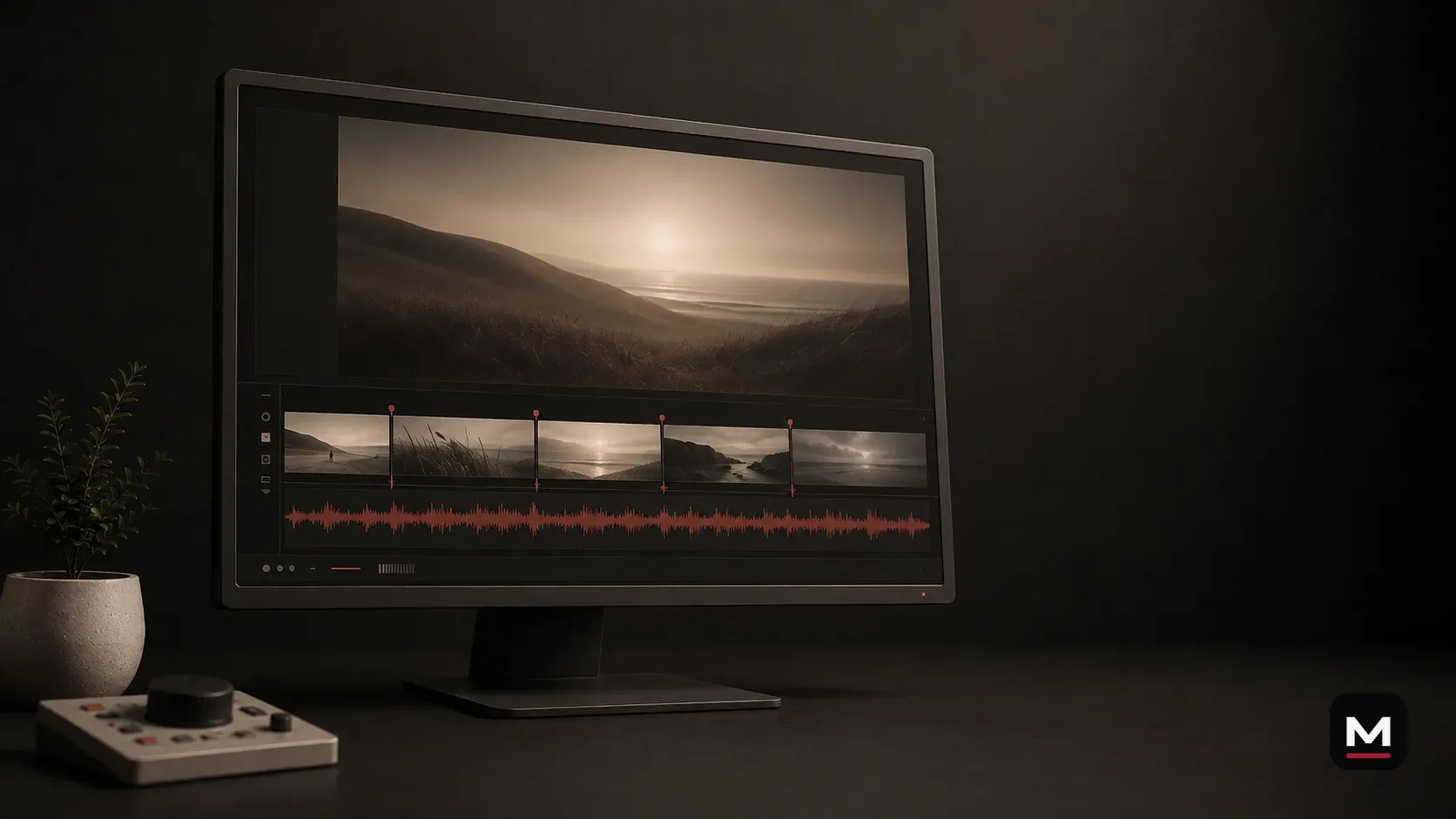
A video can be technically complete and still feel unfinished.
The clips are there. The logo appears. The export works. But the point arrives late, the sound feels thin, the pacing drifts, and nothing tells the viewer what mattered.
A finished video has a clear point.
The viewer should understand why they are watching and what they should take away. That does not require a loud sales pitch. It requires a deliberate structure.
The opening creates context or earns attention. The middle develops the idea. The ending lands the point instead of simply running out of footage.
Pacing removes pauses and repetition that do not help the viewer.
Good pacing is not constant speed. It is knowing when to move, when to hold, and what to remove.
A process shot may need time so the viewer can understand it. A repeated angle may need to disappear. A spoken explanation may need room to breathe while the supporting footage keeps the screen active.
Clear, intentional sound helps the video feel cohesive.
Clean dialogue, controlled music, natural sound, and purposeful transitions make separate clips feel like one piece.
The sound of a tool, grill, engine, crowd, or room can carry more atmosphere than another visual effect. Silence can create focus. Poor levels can make capable footage feel careless.
Color and graphics should support the footage.
Consistent color keeps shots from feeling disconnected. Captions and graphics should improve clarity, not cover the frame because the edit lacks direction.
The best finishing choices are often restrained. They make the point easier to follow without asking for attention themselves.
What unfinished usually looks like.
The most common problems are not dramatic. The opening takes too long. The same idea appears three times. Music changes without a reason. Dialogue levels jump. Captions cover the subject. The ending feels like someone stopped editing because the timeline reached the last clip.
These problems make a viewer feel the work behind the video instead of feeling the point of the video.
- A clear opening that gives the viewer a reason to stay
- Only the shots and explanations that move the idea forward
- Consistent dialogue, music, and natural-sound levels
- A final format built for where the video will live
- An ending that lands instead of fading out by default
A project may need several export sizes and formats.
A finished project may need a website version, vertical cut, short teaser, clean captioned version, and a few supporting clips. Planning those outputs before the final export protects the strongest moments from being awkwardly cropped or cut later.
Finished like it matters also means delivered in a way the business can actually use.
The final edit should feel complete and free of unnecessary material.
When an edit is working, the viewer does not think about why a shot changed or why a sound arrived. The choices feel natural because they support the same point.
That feeling comes from revision. The editor watches for confusion, repetition, weak starts, awkward pauses, missing context, and moments that deserve more room. Finishing is less about adding effects and more about removing reasons to leave.
How to review an edit usefully.
Feedback should connect to the job of the video. “Make it pop” is not useful. “A new customer will not understand this term” or “we need to see the finished result before the process” gives the editor a real problem to solve.
Before requesting changes, ask whether the note improves clarity, trust, accuracy, pacing, or the intended action. If it does not, it may only be personal preference adding noise.
Final take.
Finished means every important choice has been made: what stays, what goes, what the viewer hears, where the pace changes, and what the business receives at the end.
How this applies to businesses in Bend and elsewhere.
For a small business with existing footage, the cleanest first move may be editing rather than another shoot. Strong structure, pacing, sound, and platform versions can make the material far more useful.
Based in Bend, Oregon, the edit is built around structure, sound, pacing, color, and finished versions that make new or existing footage easier to use for local and remote clients with organized footage links.
Related questionsAnswers if you want more context
Can you edit footage we already have?
Yes. Phone footage, camera footage, drone clips, interviews, archive material, long videos, and past shoots can be shaped into clearer finished content when the source material supports the goal.
Does Maverick Beach Creative offer audio and sound design?
Yes. Every edited video gets audio-minded post: music, pacing, sound design, cleanup, and mix decisions where needed. That can include dialogue clarity, natural sound, effects, rhythm, and restraint.
What is the difference between a pretty video and a useful video?
A pretty video looks good. Outcome-oriented creative also has a clear digital-marketing job, audience, destination, and plan for what the business should do with it after delivery. The goal is not art for art's sake; it is creative work that helps the business communicate, build trust, and move people toward a useful next step.
Sources2 references used for context
This guide combines source-backed context with Maverick Beach Creative’s working approach to planning and producing small-business content.
- 2026 State of Video Report — WistiaProvides context on modern video workflows, distribution, and repurposing.
- Video Content Creation Strategy, Tips & Tools — YouTube CreatorsSupports planning video around the audience, topic, format, and purpose.